


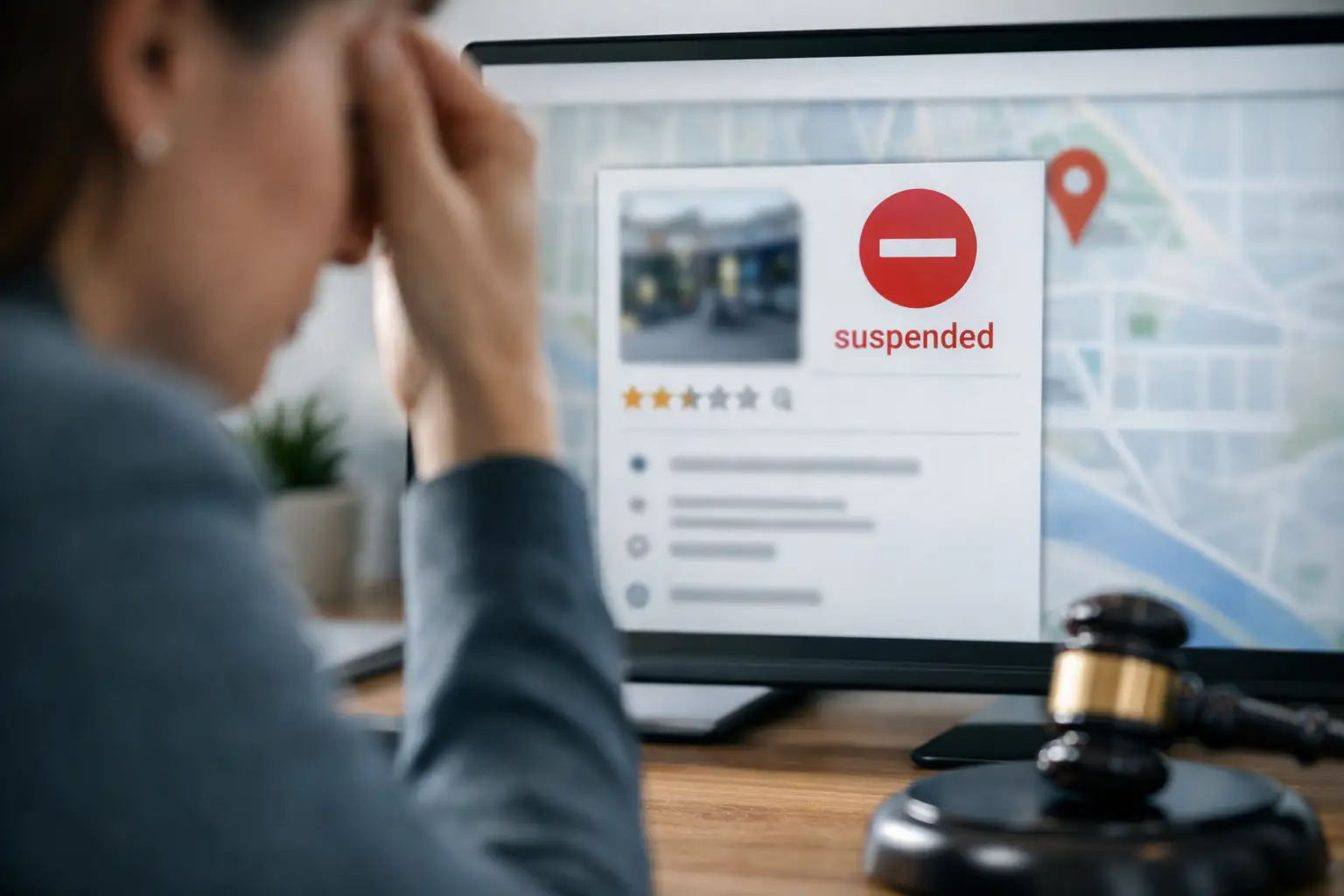
A suspended Google Business Profile usually shows up at the worst possible time – right when calls should be coming in, directions requests are climbing, or reviews are finally helping you rank. If you are asking, why is my Google listing suspended, the short answer is that Google believes something about the profile violates its guidelines or looks untrustworthy. The harder part is figuring out exactly what triggered it and how to fix it without making the situation worse.
For service businesses, medical practices, law firms, contractors, and other local companies, a suspension is not just a technical nuisance. It can cut off map visibility, reduce inbound leads, and create immediate revenue pressure. That is why the smartest move is to slow down, diagnose the problem correctly, and submit a clean reinstatement request based on facts, not guesses.
Why is my Google listing suspended in the first place?
Google suspends listings when its systems or reviewers detect a guideline issue, suspicious change, or trust problem. Sometimes the reason is obvious, like keyword stuffing the business name. Other times, a legitimate business gets flagged because of inconsistent data, a recent edit, or weak proof of eligibility.
The key point is this: suspension does not always mean the business is fake. It means the profile no longer meets Google’s confidence threshold. In practical terms, Google is asking you to prove that the business is real, eligible, and represented accurately.
There are two broad types of suspensions. A soft suspension usually leaves the profile visible on Google Maps and Search, but you lose control of it in the dashboard. A hard suspension removes the profile from public view entirely. The recovery path is similar, but the urgency is usually much higher with a hard suspension because lead flow can drop fast.
The most common reasons a Google Business Profile gets suspended
The most frequent issue is the business name. Google wants your real-world business name exactly as used on signage, legal documents, and day-to-day branding. If your listing says something like Smith Plumbing Emergency Drain Cleaning Water Heater Repair, that may help for keywords in the short term, but it also raises suspension risk.
Address problems are another major trigger. If you are using a virtual office, UPS store, PO box, coworking address without permanent staffed presence, or a location where customers cannot legitimately visit during stated hours, Google may suspend the profile. Service-area businesses are especially vulnerable here. If you do not serve customers at a staffed storefront, you usually need to hide the address and operate as a service-area business.
Category abuse can also cause problems. Choosing categories that do not reflect the core business, or switching categories aggressively to chase rankings, can make the profile look manipulated. The same goes for creating multiple listings for the same business or same service area when only one is allowed.
There are also content-related issues. Misleading descriptions, prohibited services, fake reviews, suspicious photos, and sudden profile edits can all trigger a review. Even if each change seems minor on its own, a cluster of edits in a short period can look risky to Google’s system.
Another common factor is inconsistency across the web. If your website, state records, licenses, signage, and Google profile all show slightly different names, addresses, phone numbers, or business categories, Google may not know which version to trust. That does not guarantee suspension, but it can absolutely contribute to one.
Why is my Google listing suspended after I made changes?
This is one of the most frustrating scenarios because the business may have been active for years before a sudden problem appears. In many cases, the trigger is a recent edit. Changing the business name, primary category, address, phone number, website, or ownership access can cause the profile to be reviewed again.
That does not mean you should never update your profile. It means changes need to be accurate, documented, and made carefully. If a business rebrands, moves locations, adds a new manager, or shifts from storefront to service-area operations, those are legitimate updates. But if the supporting evidence is weak or the changes conflict with what Google sees elsewhere, the listing can get suspended.
This is where business owners often make things worse. They panic, keep editing, create a duplicate profile, or ask multiple people to submit changes from different accounts. That creates even more inconsistency and can delay reinstatement.
How to diagnose the issue before you request reinstatement
Start with the basics. Look at your exact business name on the profile and compare it to signage, your website header, licenses, and incorporation records. Then review the address. If you are a service-area business, ask whether that address should be hidden. If you are using an office arrangement that does not meet Google’s rules, fix that first.
Next, check your primary category and secondary categories. They should reflect what the business actually is, not every service you want to rank for. Review your hours, phone number, website URL, and service areas for accuracy. Then compare your Google profile details with your website contact page, footer, social profiles, and major citations. If your data is inconsistent, document the correct version and begin aligning everything.
You should also look at ownership and access. If a former employee, old agency, or unauthorized user still controls the profile, that can complicate recovery. The same is true if there were recent ownership changes or suspicious edits from accounts you do not recognize.
Finally, gather proof. The strongest reinstatement requests are supported by real documentation, such as business licenses, utility bills, lease agreements, storefront photos, permanent signage, vehicle branding, insurance paperwork, and official registration records. Google is trying to verify legitimacy, so think like an auditor, not a marketer.
What to do if your Google listing is suspended
The best approach is disciplined and simple. Correct the profile so it complies with the guidelines, collect evidence that supports the corrected version, and then submit a reinstatement request once. A rushed request with weak documentation often leads to delays or denial.
If the business name is inflated, strip it back to the legal or public-facing version. If the address is ineligible, hide it or replace it with an eligible location. If categories are too broad or misleading, narrow them to the actual business type. If your website and citations are inconsistent, start cleaning those up immediately.
When you file the reinstatement request, explain the situation clearly. State what the business is, where it operates, what was corrected, and what documents prove eligibility. Keep the tone factual. Long emotional explanations do not help. Precision does.
It is also important to avoid shortcuts. Do not create a new profile to replace the suspended one unless Google specifically directs you to do so. Do not buy reviews, stuff keywords into every field, or use borrowed addresses. Those tactics might seem like a way to get back online faster, but they usually create larger problems.
How long does reinstatement take?
It depends on the complexity of the issue, the quality of your evidence, and whether the business model is easy to verify. Some cases move relatively quickly. Others take longer, especially when the listing involves a home-service business, a shared office, multiple practitioners, or prior violations.
What matters most is not speed but accuracy. A clean reinstatement submission is better than three rushed ones. If your profile supports lead generation in a competitive market, this is worth handling carefully. For many local businesses, one suspended profile can affect calls, quote requests, and booked jobs for weeks.
When outside help makes sense
If your profile supports a meaningful share of local lead flow, professional help can save time and reduce mistakes. This is especially true when the suspension involves a service-area business, a multi-location company, a rebrand, practitioner listings, or a business with inconsistent online data.
An experienced Google Business Profile manager can help identify the actual trigger, clean up conflicting signals, and build a reinstatement case that reflects how Google evaluates trust. That is usually more effective than guessing your way through edits while revenue is on the line. For businesses in competitive local markets, the listing is too valuable to treat casually.
At Capstone Marketing, this is the lens we use for local visibility problems: not just how to get a profile back, but how to restore it in a way that supports rankings, credibility, and lead volume over time.
A suspension feels urgent because it is. But the fix is rarely random. If you treat the profile like a business asset, verify every detail, and respond with solid documentation, you give Google what it actually wants – proof that your company is real, eligible, and accurately represented.